Create a Cascade
Create a new Cascade to manage your models, subscriptions and contributions, by linking it to an organization you already have or by creating a new legal entity.
Before you start
- You need an account and to be signed in. See Sign in.
- You have no other prerequisite: any signed-in user can create a Cascade. If you don't have any Cascade yet, the application takes you straight to the form.
- Prepare your organization's legal information: company name, billing address, SIRET (or N°BCE in Belgium) and IBAN. If you link the Cascade to an organization you already have, you have none of this to enter.
Steps
1. Open the form
There are two ways to get there:
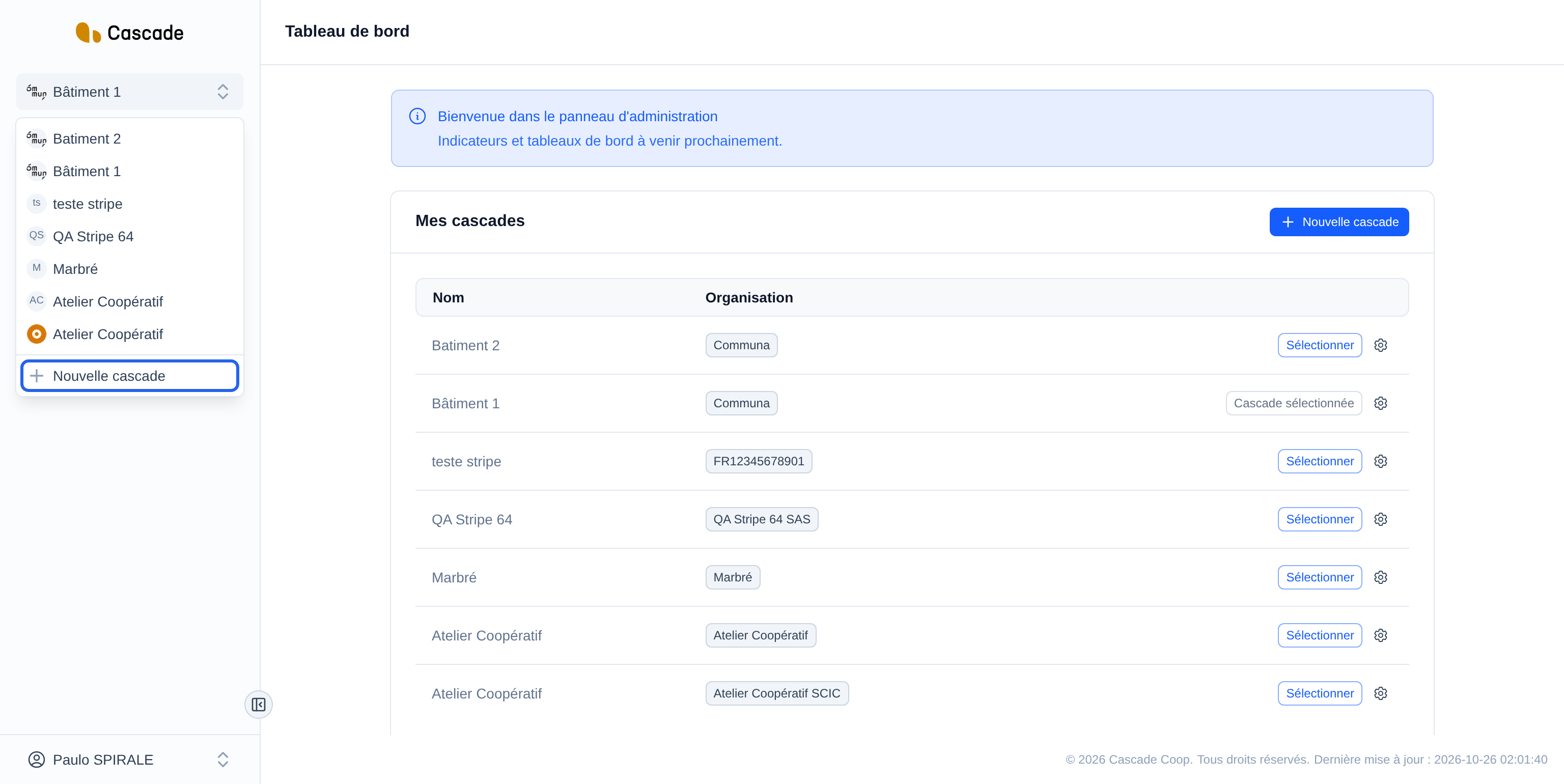
- In the left menu, click your Cascade's name at the top, then Nouvelle cascade (New Cascade) at the bottom of the list.
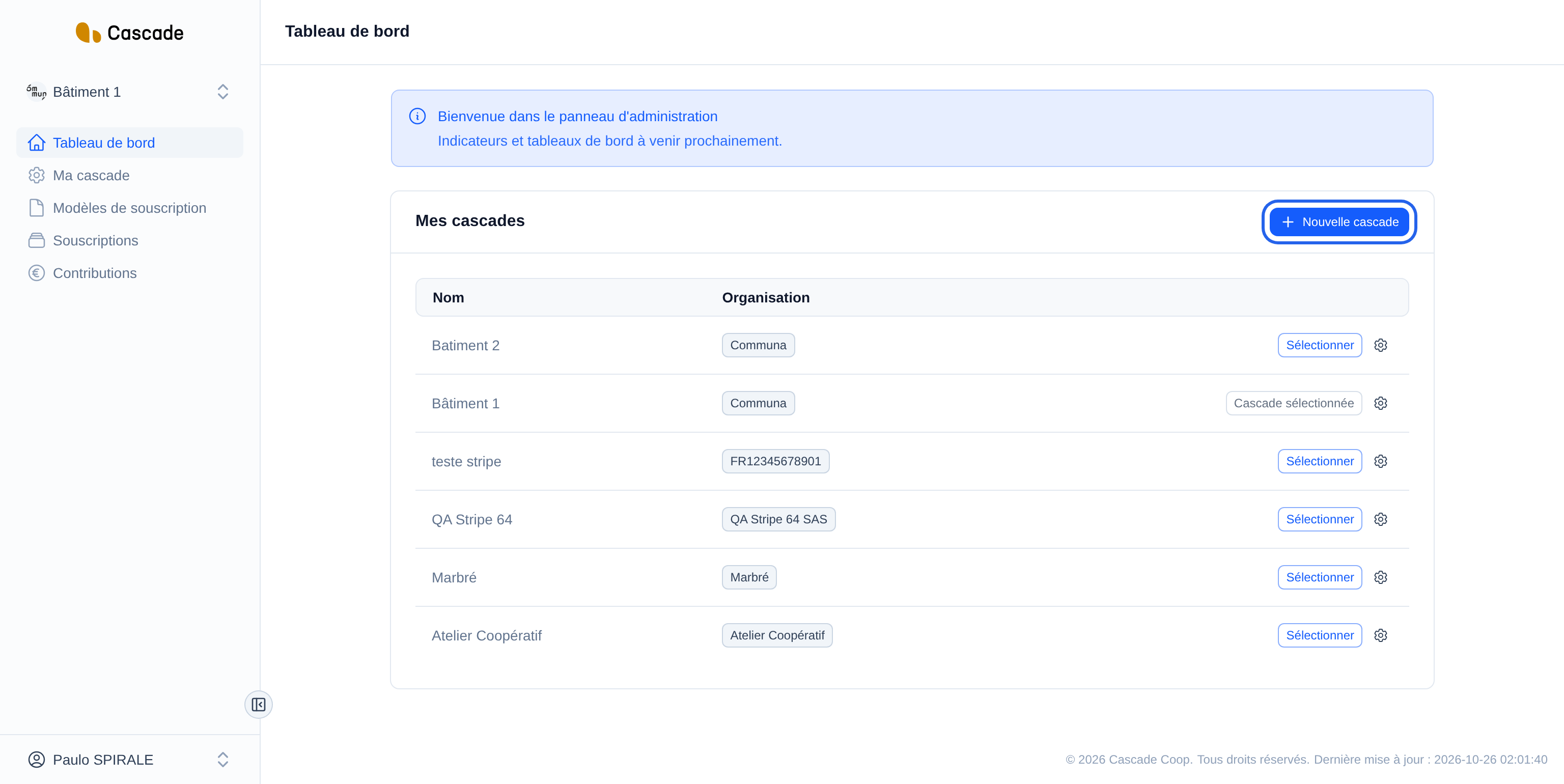
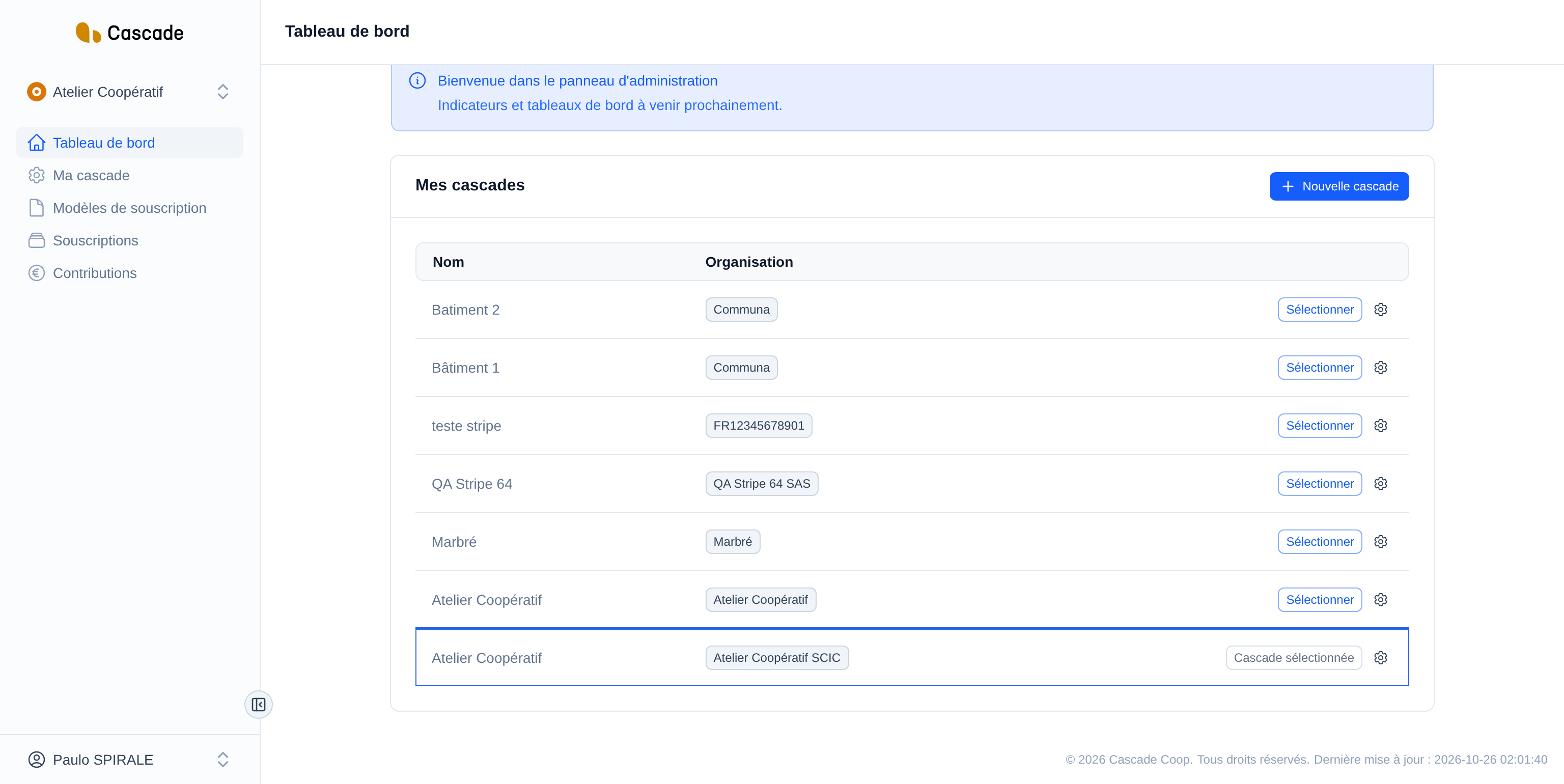
- Or, on the Tableau de bord (Dashboard), click the Nouvelle cascade (New Cascade) button in the Mes cascades (My Cascades) block.
2. Give it a name and a prefix
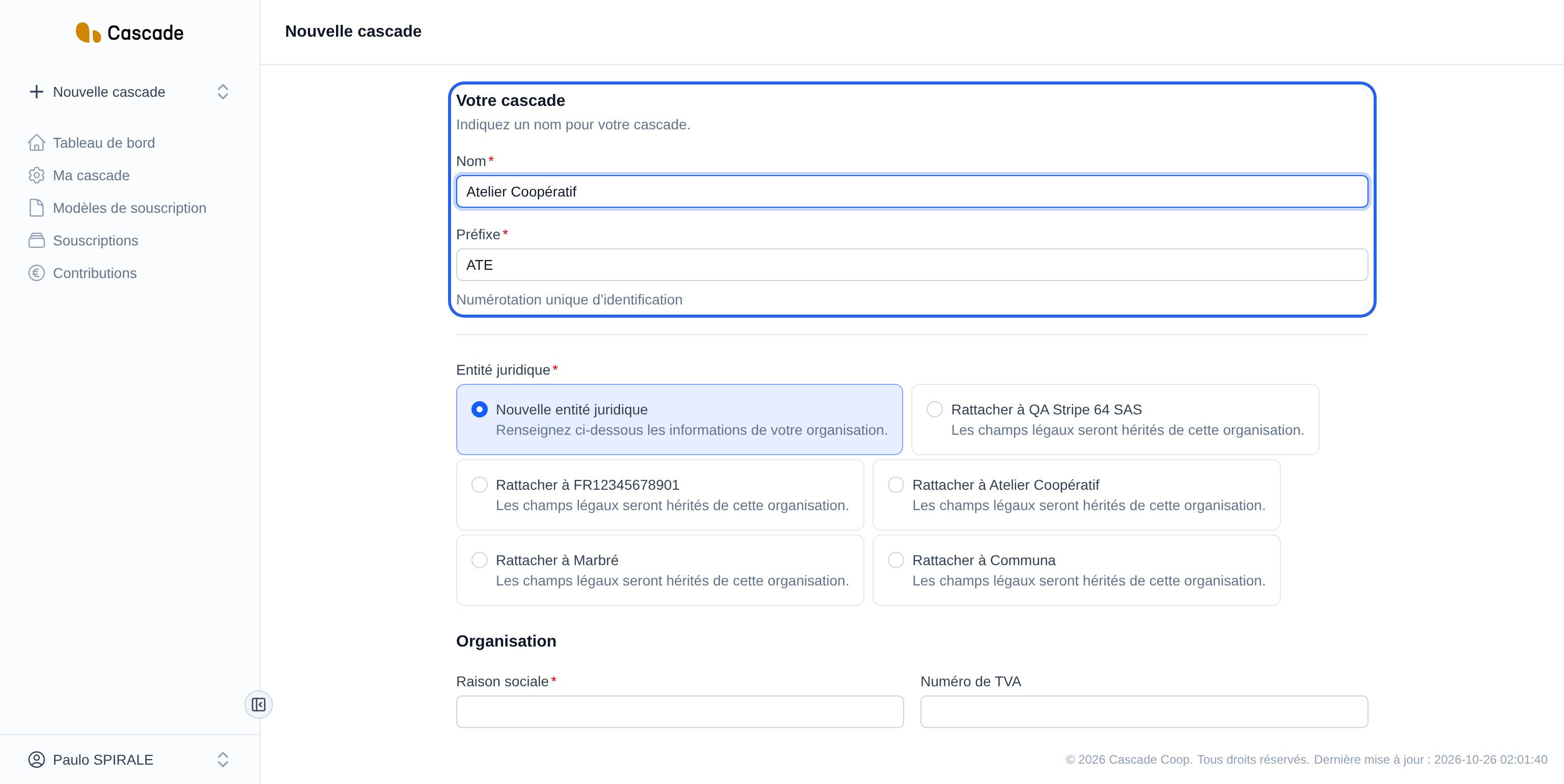
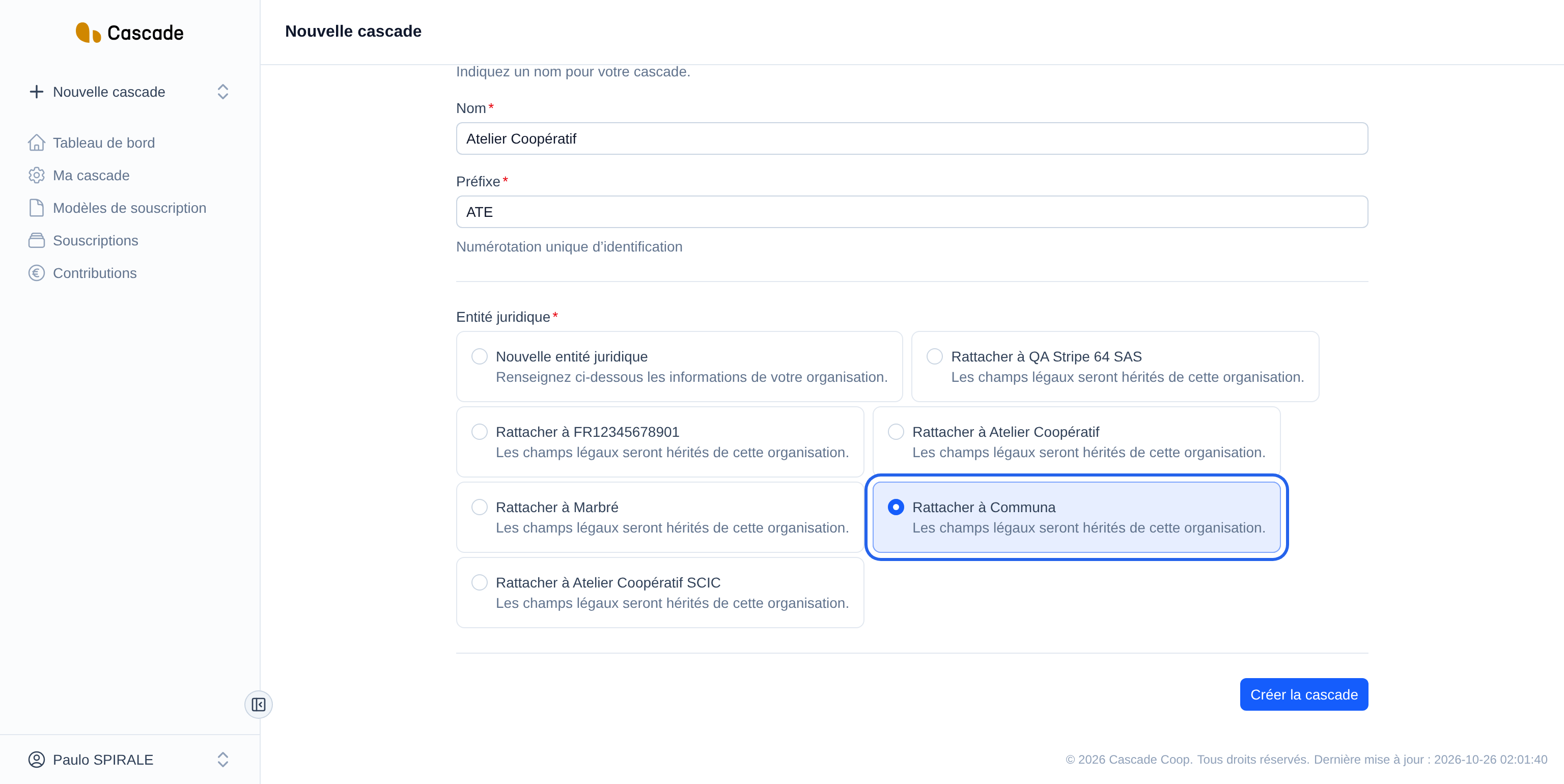
In the Votre cascade (Your Cascade) section, fill in the Nom (Name). The Préfixe (Prefix) fills in by itself from the name: the first three letters, without spaces or accents, in capitals ("Atelier Coopératif" gives ATE).
You can change it: it then stays as you typed it. It is always put in capitals, is at most 5 characters long and is used to number the Cascade's contracts and invoices.
3. Choose the legal entity
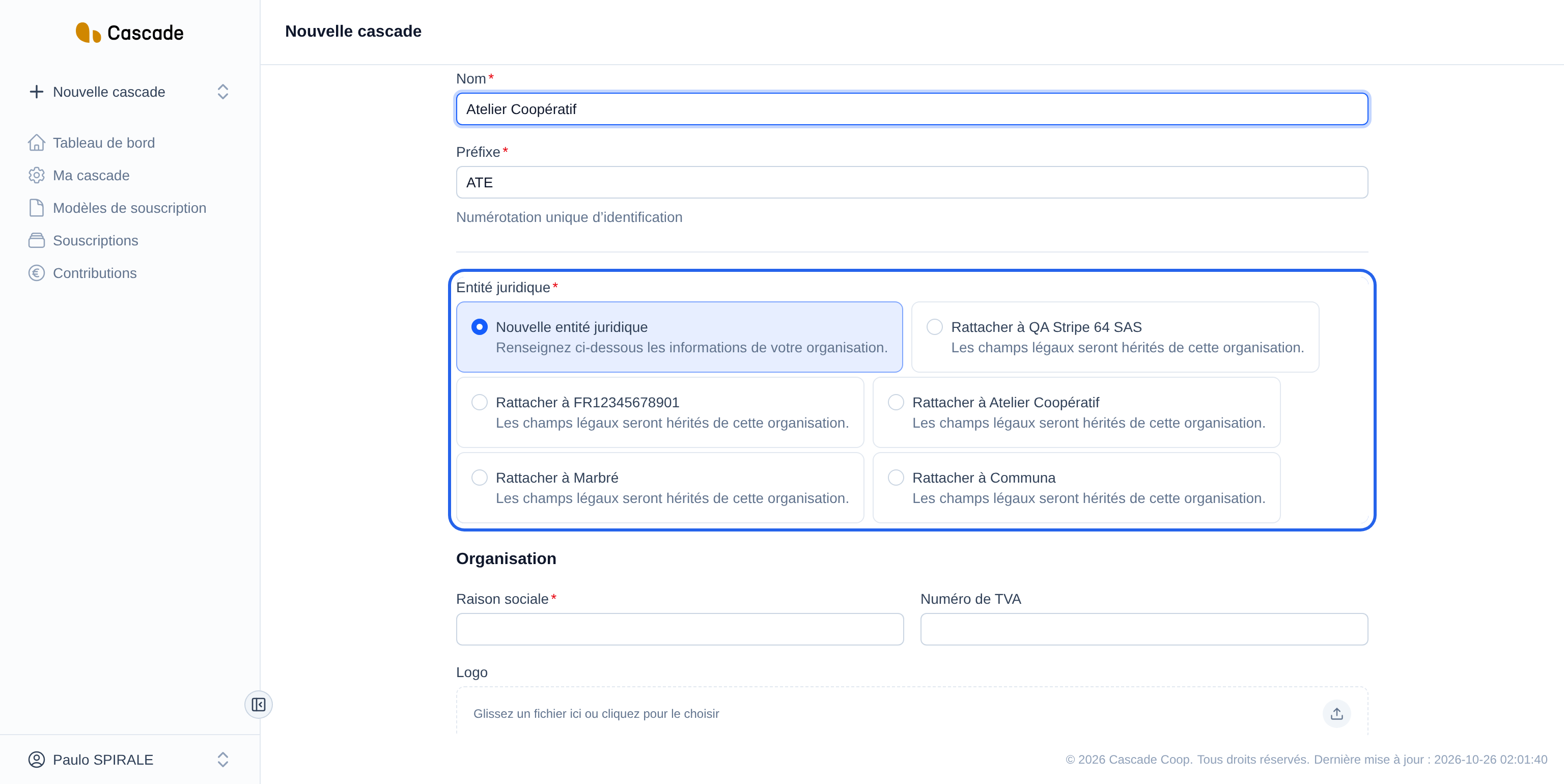
This choice only appears if you already belong to at least one organization. You then choose between:
- Nouvelle entité juridique (New legal entity): you fill in your organization's information in the next steps;
- Rattacher à (Link to) followed by the name of one of your organizations: the Cascade takes over its legal information, and the Organisation (Organization) and Informations de facturation (Billing information) sections (steps 4 and 5) disappear from the form. Go straight to step 6.
If you don't belong to any organization yet, this choice is not offered: the form directly asks for your new organization's information.
4. Fill in the organization
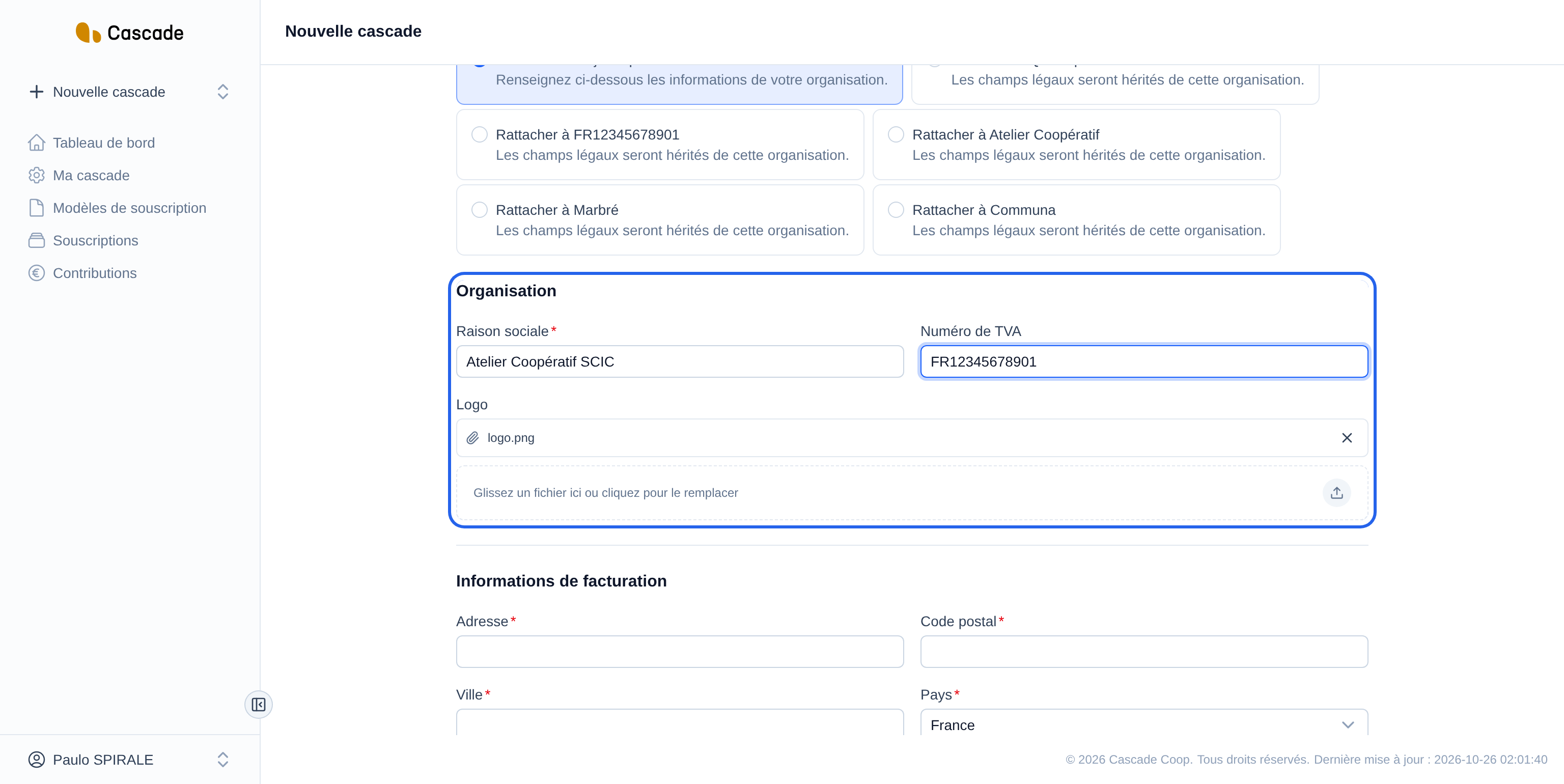
In the Organisation (Organization) section:
- Raison sociale (Company name) (required);
- Numéro de TVA (VAT number) (optional);
- Logo (optional): drag an image or click to choose one. It will appear next to the Cascade's name in the menu, on invoices and on contracts.
5. Fill in the billing information
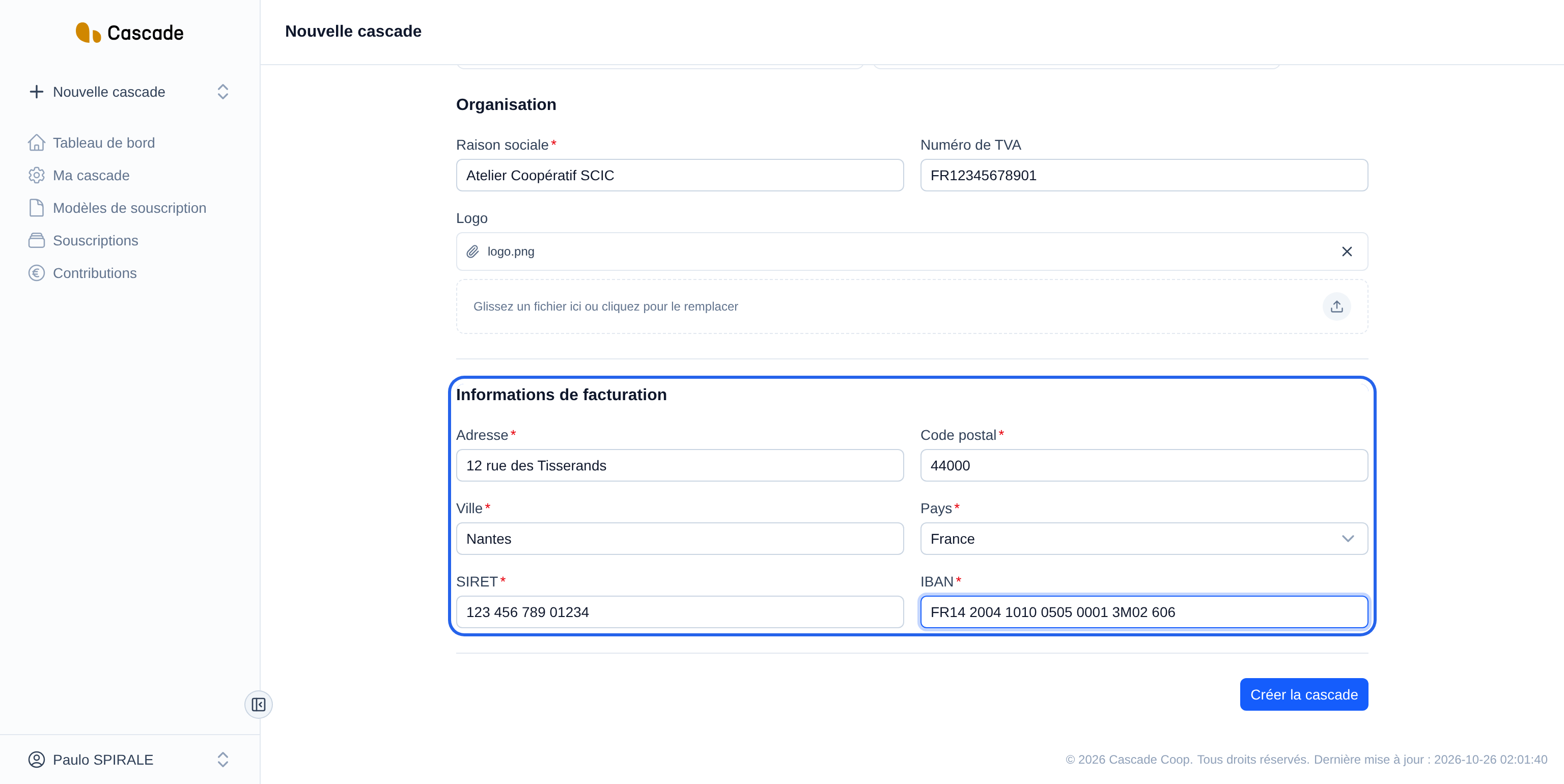
In the Informations de facturation (Billing information) section, everything is required:
- Adresse (Address), Code postal (Postal code), Ville (City);
- Pays (Country): France or Belgium. This choice changes the label of the next field: SIRET (14 digits) for France, N°BCE (10 digits) for Belgium;
- SIRET or N°BCE: spaces and dots are accepted;
- IBAN: it is checked (format and check digits). A typo is refused before saving.
6. Create the Cascade
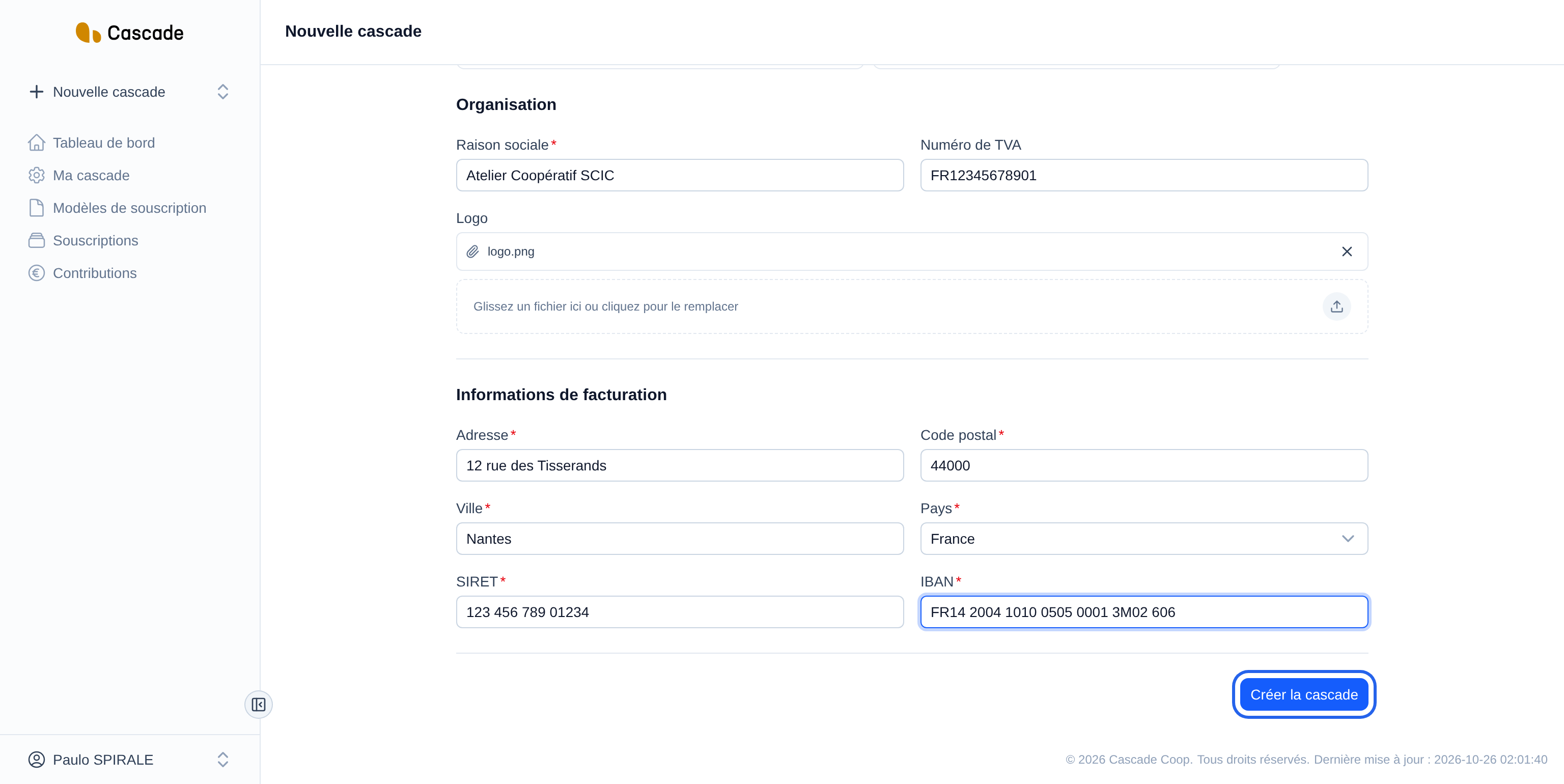
Click Créer la cascade (Create the Cascade) at the bottom of the form. If a field is incorrect, the form tells you which one, and nothing is created until everything is valid.
7. Find your Cascade
You land on the Tableau de bord (Dashboard). The new Cascade is selected: its name (and its logo, if you added one) appears at the top of the left menu, and it appears in the Mes cascades (My Cascades) block, with the name of its organization.
What happens next?
- Cascade selected: the application switches to the new Cascade right away. Everything you do next (models, subscriptions, contributions) is filed in it. To go back to another one, see Change the current Cascade.
- Empty Cascade: no subscription model is created for you. Start with Create a subscription model.
- New organization: if you chose Nouvelle entité juridique (New legal entity), the organization is created at the same time and you become a member of it.
- Payment by card or direct debit: the Stripe account is tied to the organization, not to the Cascade. A new organization must therefore connect it; a Cascade linked to an existing organization benefits from its account. See Connect the organization's Stripe account.
- No email is sent.
Good to know
- The name and the prefix must be unique within the same organization. Otherwise, the form displays "Le nom doit être unique pour cette organisation." (The name must be unique for this organization.) or "Le préfixe doit être unique pour cette organisation." (The prefix must be unique for this organization.). Two different organizations can have the same name or the same prefix.
- All the Cascades of the same organization share its legal information and its logo, and all the organization's members see and manage them. Changing this information in one Cascade therefore changes it for all the others. See Edit the Cascade settings (legal identity, IBAN, VAT, address, logo, prefix).
- You can change the name, the prefix and the legal information later, from Ma cascade (My Cascade). However, there is currently no button to delete a Cascade.
- The country choice only offers France and Belgium for now.
Frequently asked questions
This choice is only offered if you already belong to at least one organization. For your very first Cascade, you necessarily fill in a new legal entity.
Link the Cascade when it belongs to the same legal structure (same company name, same IBAN, same SIRET), for example for a second building. Create a new legal entity when the organization is a different structure: its legal information, its IBAN and its Stripe account are then separate.
For now, a Cascade cannot be deleted from the application. You can only rename it from Ma cascade (My Cascade).