Choose the default payment method and the direct debit lead time
Choose how the contributors of a subscription model pay their contributions (transfer, direct debit, card, cash or cheque) and, for a direct debit, how many days before the contribution date it takes place. Each subscription takes over this setting and can change it.
Before you start
- You need a subscription model, new or existing: see Create a subscription model and Edit a subscription model.
- To offer Prélèvement SEPA (SEPA direct debit), the model must have the Facture (Invoice) sending method with automatic invoicing set up: see Set up automatic invoicing.
- The organization's online payment account does not need to be ready to prepare the model, but no direct debit will go out until it is operational: see Connect the organization's Stripe account.
Steps
1. Open the subscription model
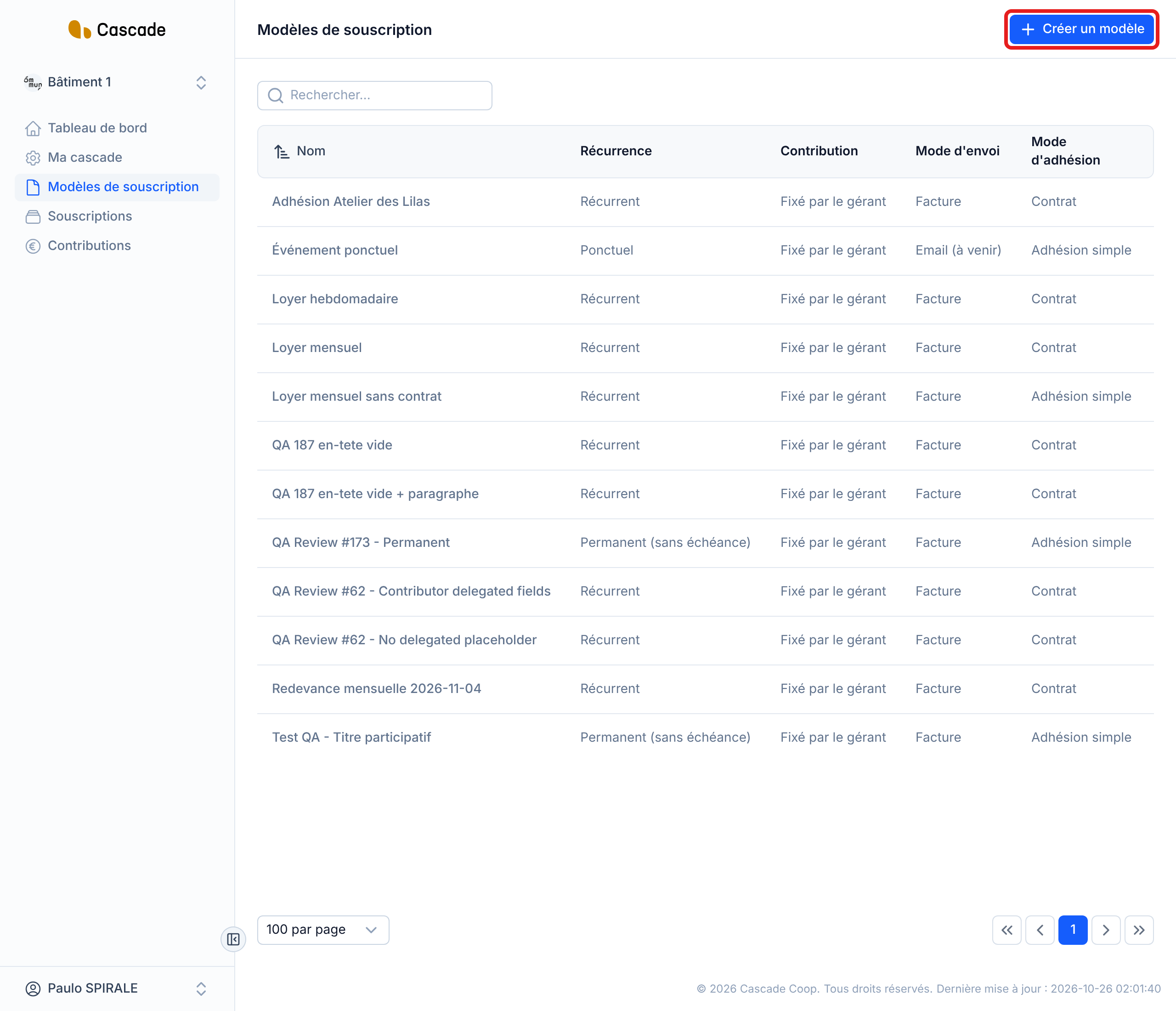
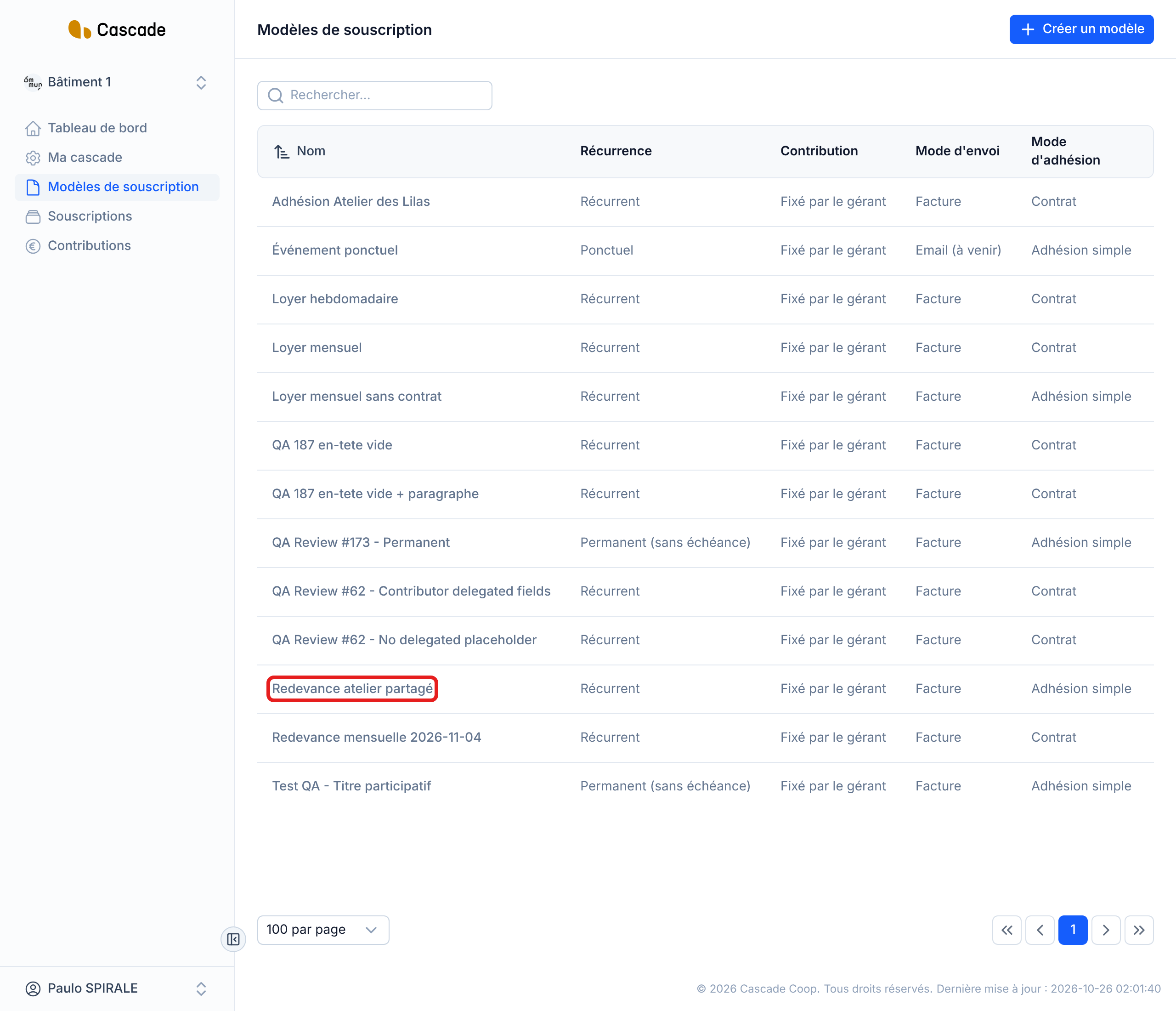
In the menu, go to Modèles de souscription (Subscription models), then click Créer un modèle (Create a model). To change an existing model, click its name in the list. The payment method is set in the Configuration générale (General configuration) step, in the Moyen de paiement (Payment method) section, just below the sending method.
2. Choose the default payment method
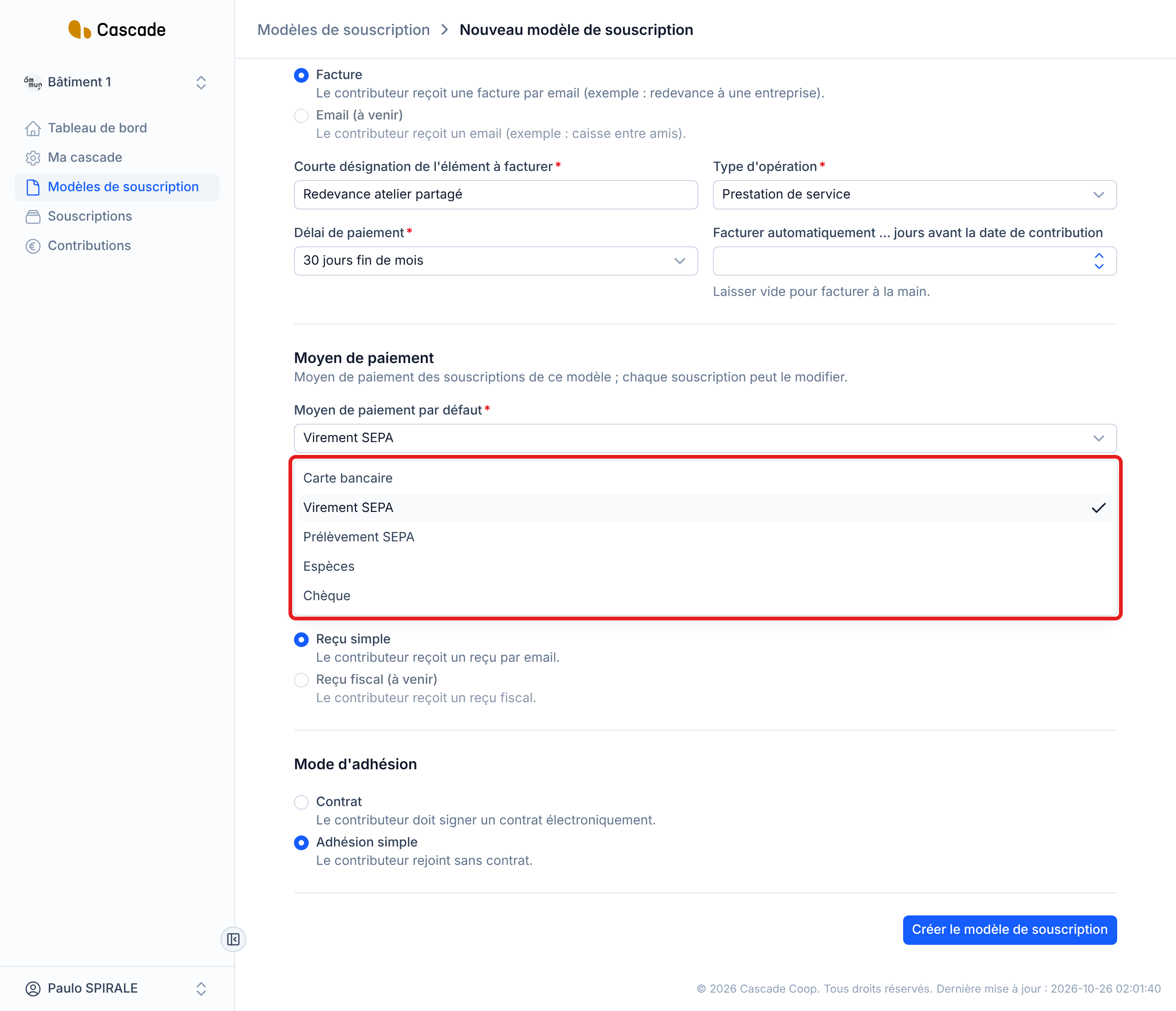
In Moyen de paiement par défaut (Default payment method), choose the method with which the contributors of this model pay their contributions: Carte bancaire (Bank card), Virement SEPA (SEPA transfer), Prélèvement SEPA (SEPA direct debit), Espèces (Cash) or Chèque (Cheque). A new model starts on Virement SEPA.
This choice is only a starting point: each subscription takes over this method and can then change it (see step 5).
3. Set the direct debit lead time
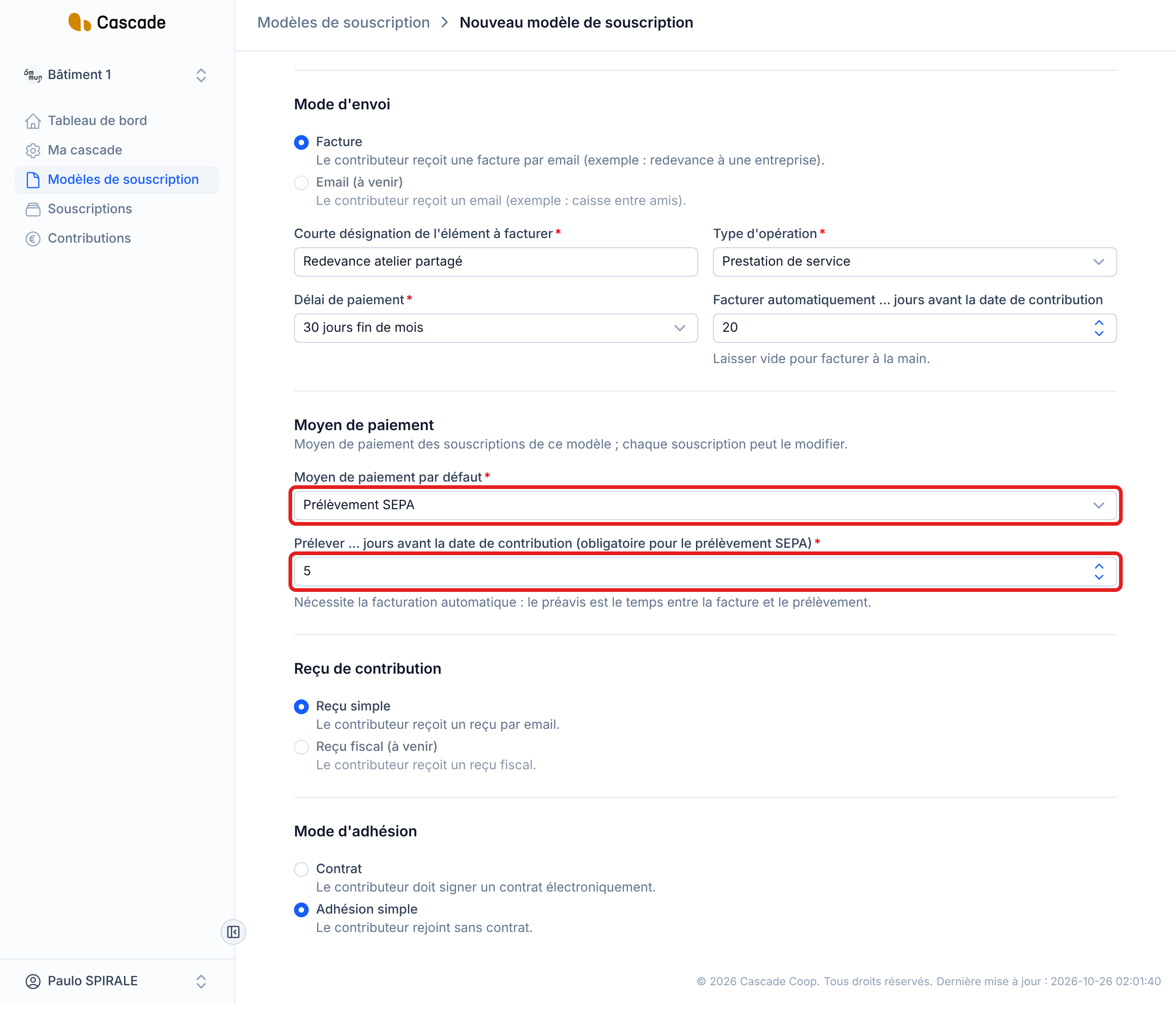
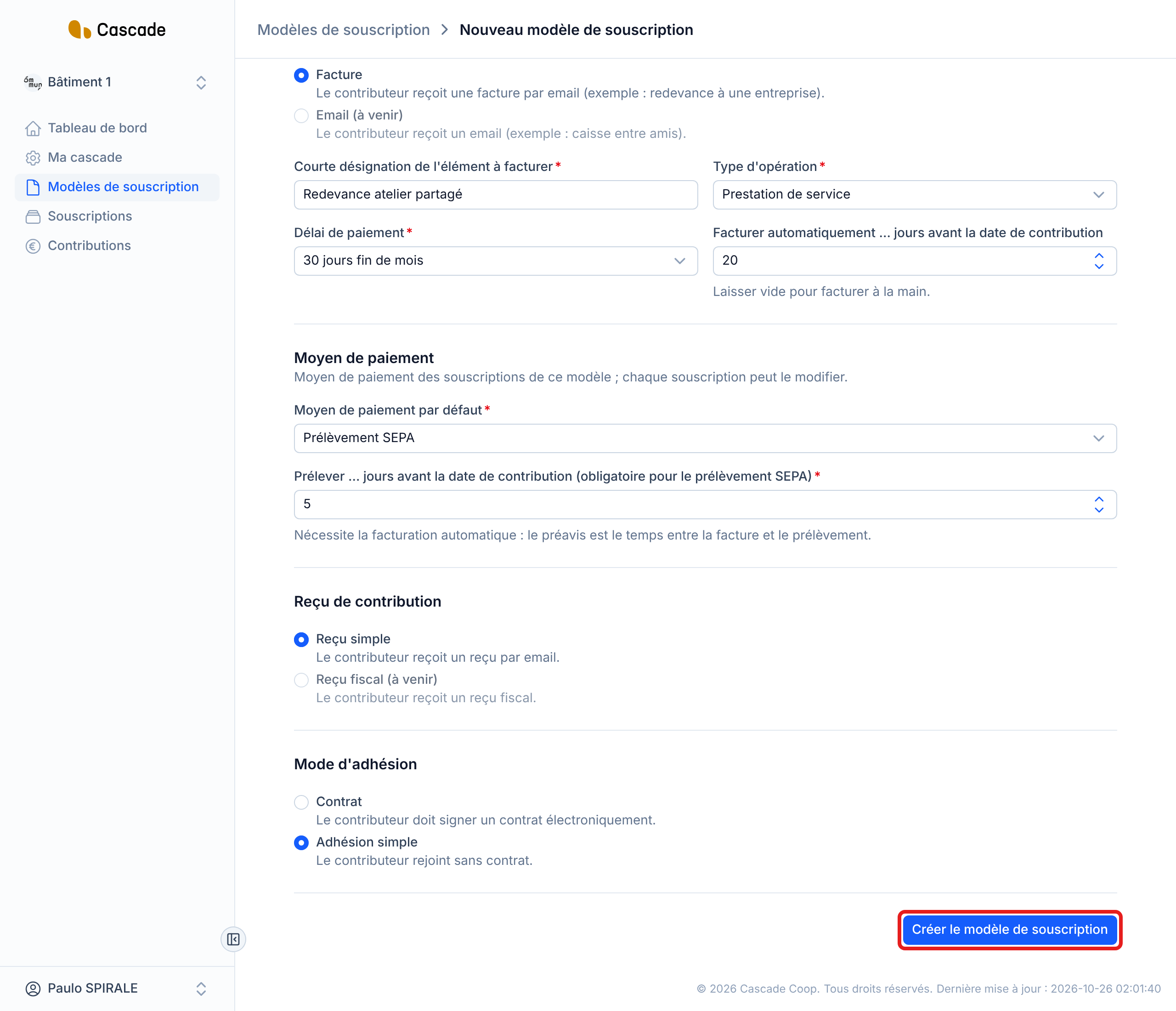
With Prélèvement SEPA, fill in Prélever … jours avant la date de contribution (Debit … days before the contribution date): this is the number of days before the contribution date at which the direct debit takes place. This field is required for direct debit. It appears when the sending method is Facture; with another payment method, you can leave it empty.
Direct debit needs automatic invoicing (Facturer automatiquement … jours avant la date de contribution): it is the invoice that notifies the contributor. The notice period is the number of days between the invoice and the direct debit.
Example: invoicing 20 days before the contribution date and direct debit 5 days before, i.e. a notice period of 15 days.
Two rules govern this notice period:
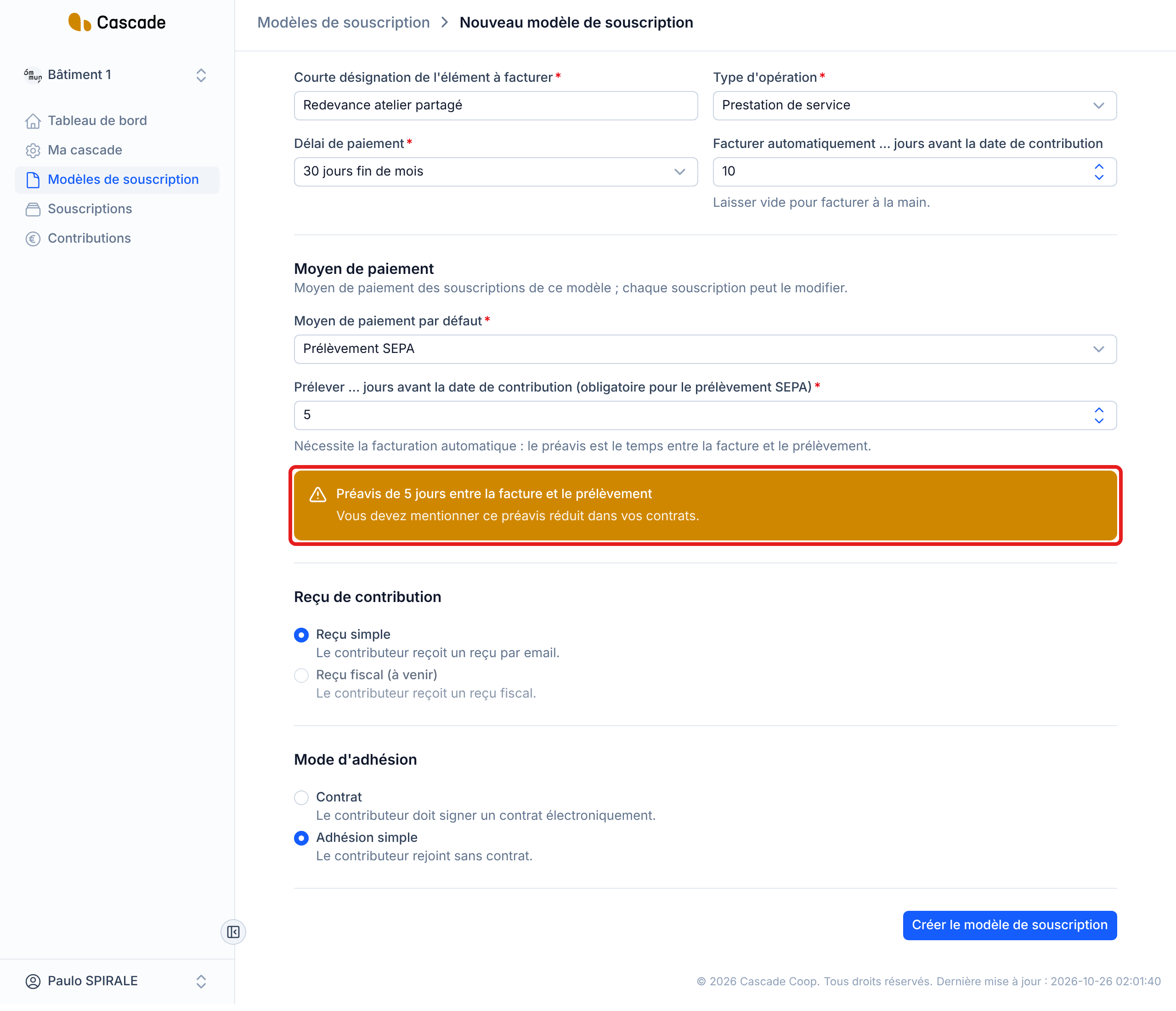
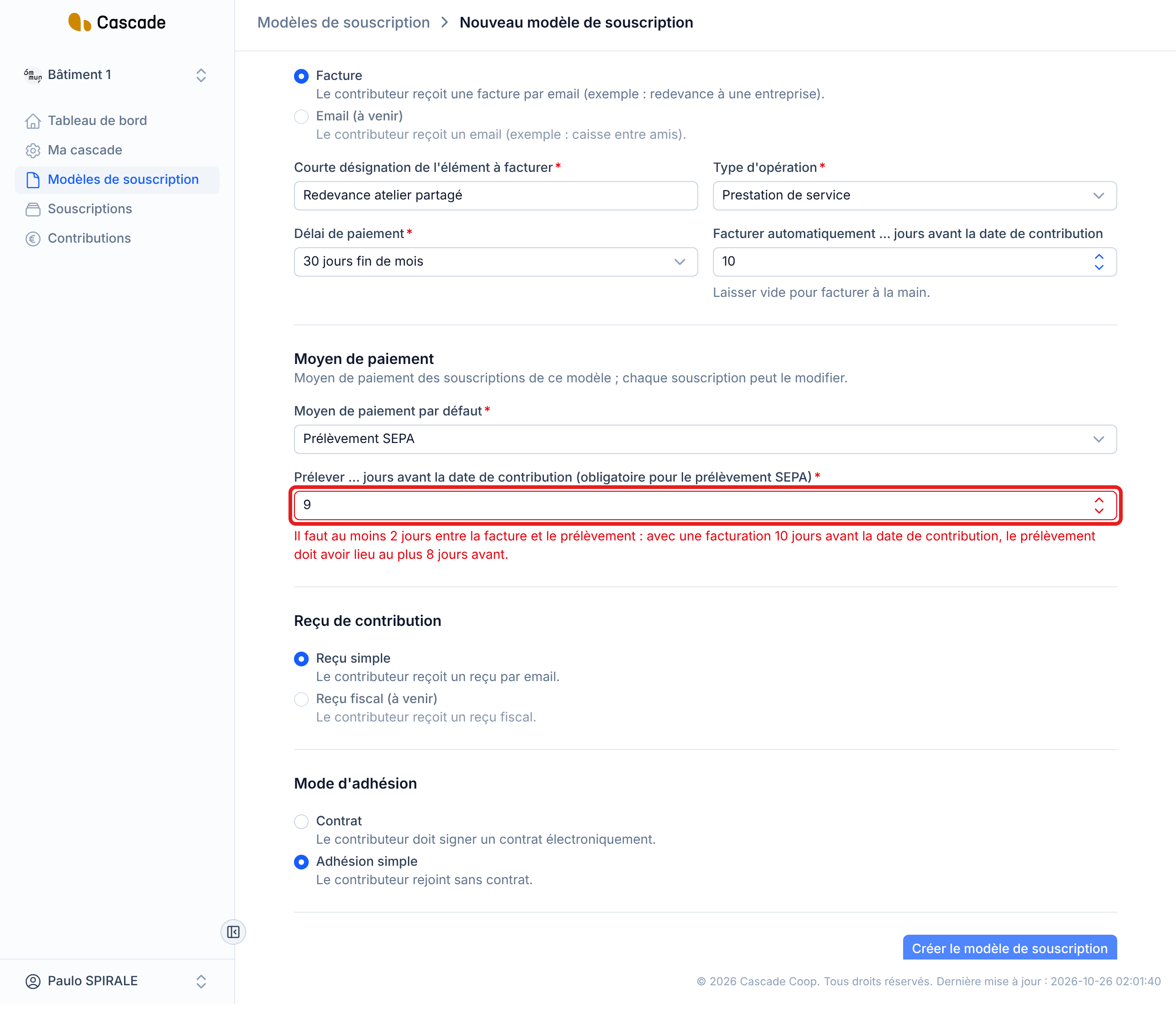
- There must be at least 2 days between the invoice and the direct debit. Below that, the model is refused, with a message giving the maximum lead time possible.
- Between 2 and 13 days, the model is accepted but a box warns you: Vous devez mentionner ce préavis réduit dans vos contrats. (You must mention this shortened notice period in your contracts.) The notice period is available as data to insert in the contract: Préavis de prélèvement (jours) (Direct debit notice (days)).
If the organization's online payment account cannot collect payments yet, a box Le compte Stripe de l'organisation ne peut pas encore encaisser (The organization's Stripe account cannot collect payments yet) tells you the account's status, with the Configurer le compte Stripe (Set up the Stripe account) button. You can still save the model.
4. Save the model
Complete the form, then click Créer le modèle de souscription (Create the subscription model) (when creating) or Enregistrer les modifications (Save changes) (when editing). With a Contrat (Contract) membership method, this button is at the last step. You go back to the list of models.
5. Adjust a subscription's payment method
When you create a subscription (Souscriptions menu), the Moyen de paiement section takes over the model's method: change it if needed for this subscription. See Create a subscription (invite a contributor). The contributor cannot change it.
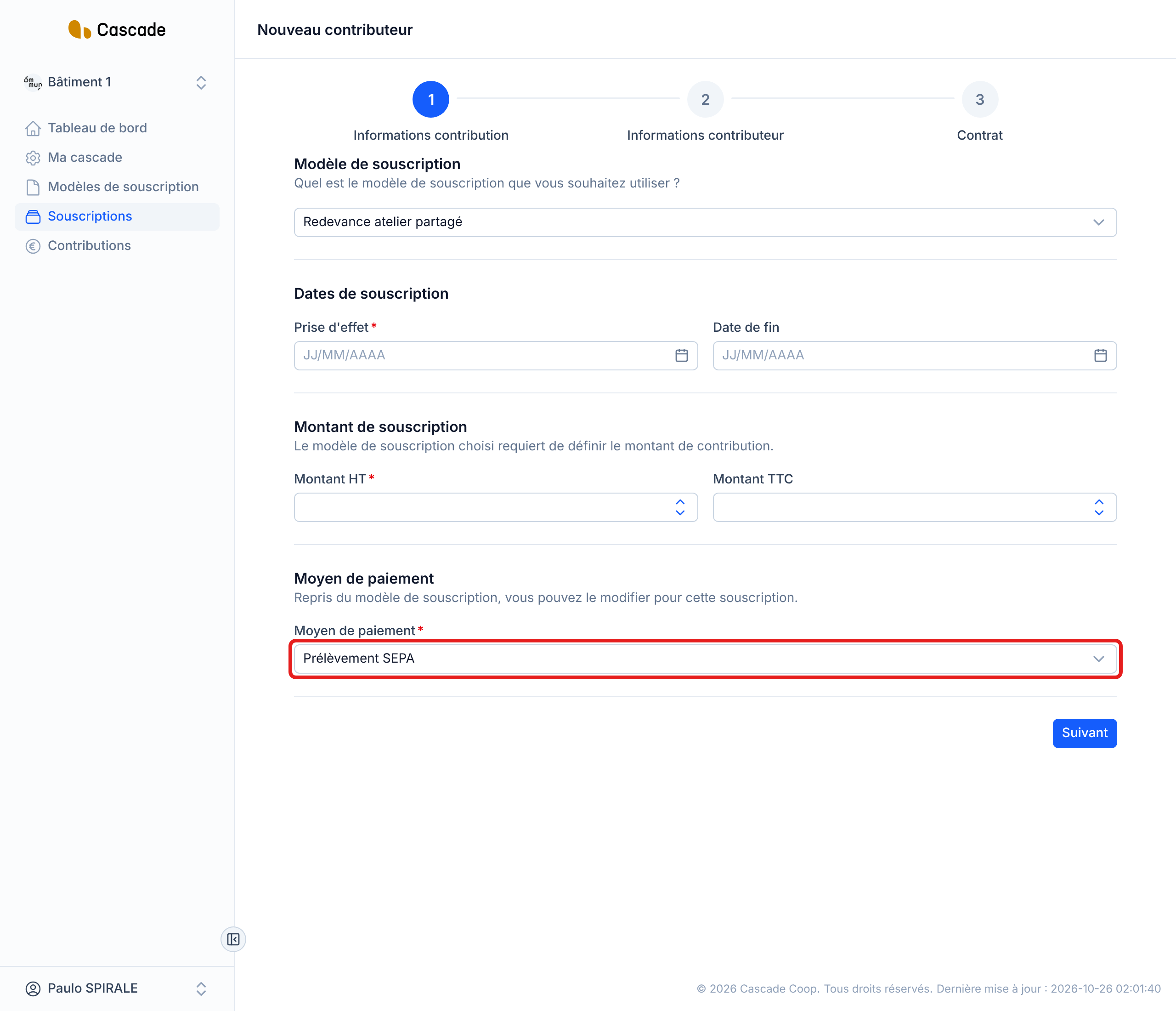
Prélèvement SEPA is only accepted if the subscription's model has a direct debit lead time. Otherwise a message sends you back to the model.
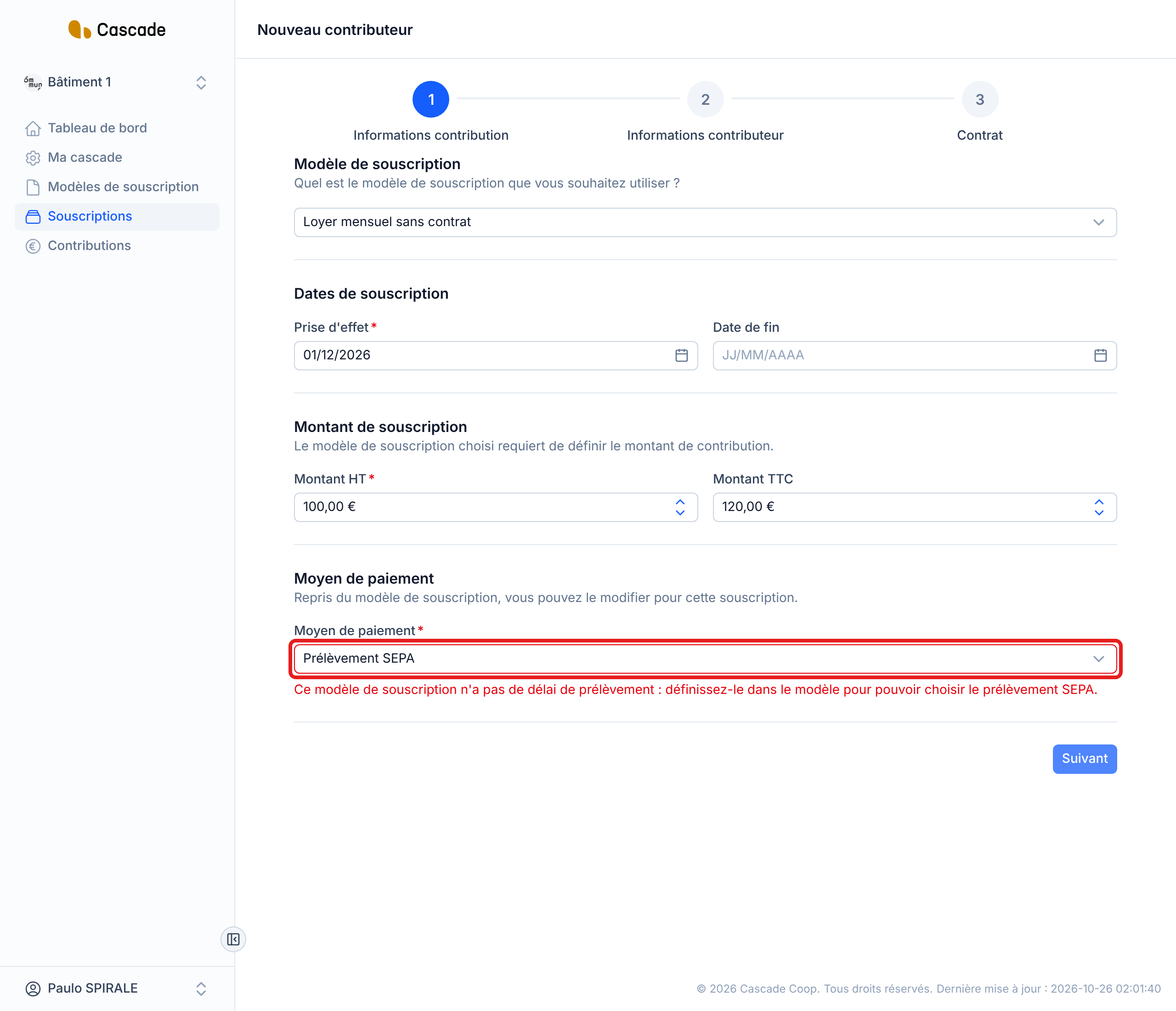
To change the method of an existing subscription, open it from Souscriptions and edit the Moyen de paiement section. If the contract has already been signed by the contributor, the change goes through an amendment: see Make an amendment.
What happens next?
- Existing subscriptions do not change. Changing a model's default method modifies neither its subscriptions, nor their contributions, nor their payments already created.
- Upcoming contributions: those created afterwards take over their subscription's payment method. See Generate recurring contributions automatically.
- Expected payment: for a positive contribution, a payment is expected with this method. With Prélèvement SEPA, it is dated the direct debit day, i.e. the contribution date minus the model's direct debit lead time. For the other methods, it is dated the contribution date.
- Changing the model's direct debit lead time does not touch any payment already created; the new lead time applies to contributions created afterwards, including for subscriptions already in progress.
- Late invoice: if the invoice goes out less than 2 days before the planned direct debit date (contribution created shortly before its due date, missed run), the direct debit date is pushed back to 2 days after the invoice. See What Cascade does every day.
- For now, no direct debit is executed: Cascade only prepares the direct debit date. The contributor receives nothing more than their invoice.
- Contribution created by hand: the proposed payment method is the subscription's, and with direct debit the form announces the direct debit date. See Create a contribution or credit note by hand.
Good to know
- Direct debit only exists with automatic invoicing: without it, the direct debit lead time is refused.
- As long as a subscription of the model is on direct debit, you cannot empty the model's direct debit lead time or remove its automatic invoicing: first change the payment method of these subscriptions.
- A one-time subscription can no longer be edited once created: its payment method is therefore the one chosen at creation.
- With a signed contract, changing a subscription's payment method creates an amendment like any other change.
- The bulk import has no column for the payment method: imported subscriptions take the model's. See Invite several contributors in bulk.
- When you change a model setting (for example the sending method), the fields that no longer apply are reset; the payment method, however, is kept.
Frequently asked questions
It only appears if the model's sending method is Facture (Invoice).
Check the automatic invoicing and the gap with the direct debit lead time: there must be at least 2 days between the invoice and the direct debit. With invoicing 10 days before the contribution date, the direct debit must take place at most 8 days before.
That is normal: the model's method is only a starting point for new subscriptions. Edit each subscription concerned.