Edit a subscription model
Change the settings of a subscription model that has already been created: VAT, invoicing, default payment method, contract, amendments… Existing subscriptions, contributions and invoices are not rewritten: only what comes next takes the new settings into account.
Before you start
- The model must already exist: see Create a subscription model. The edit form is the same as the creation form, already filled in with the current settings.
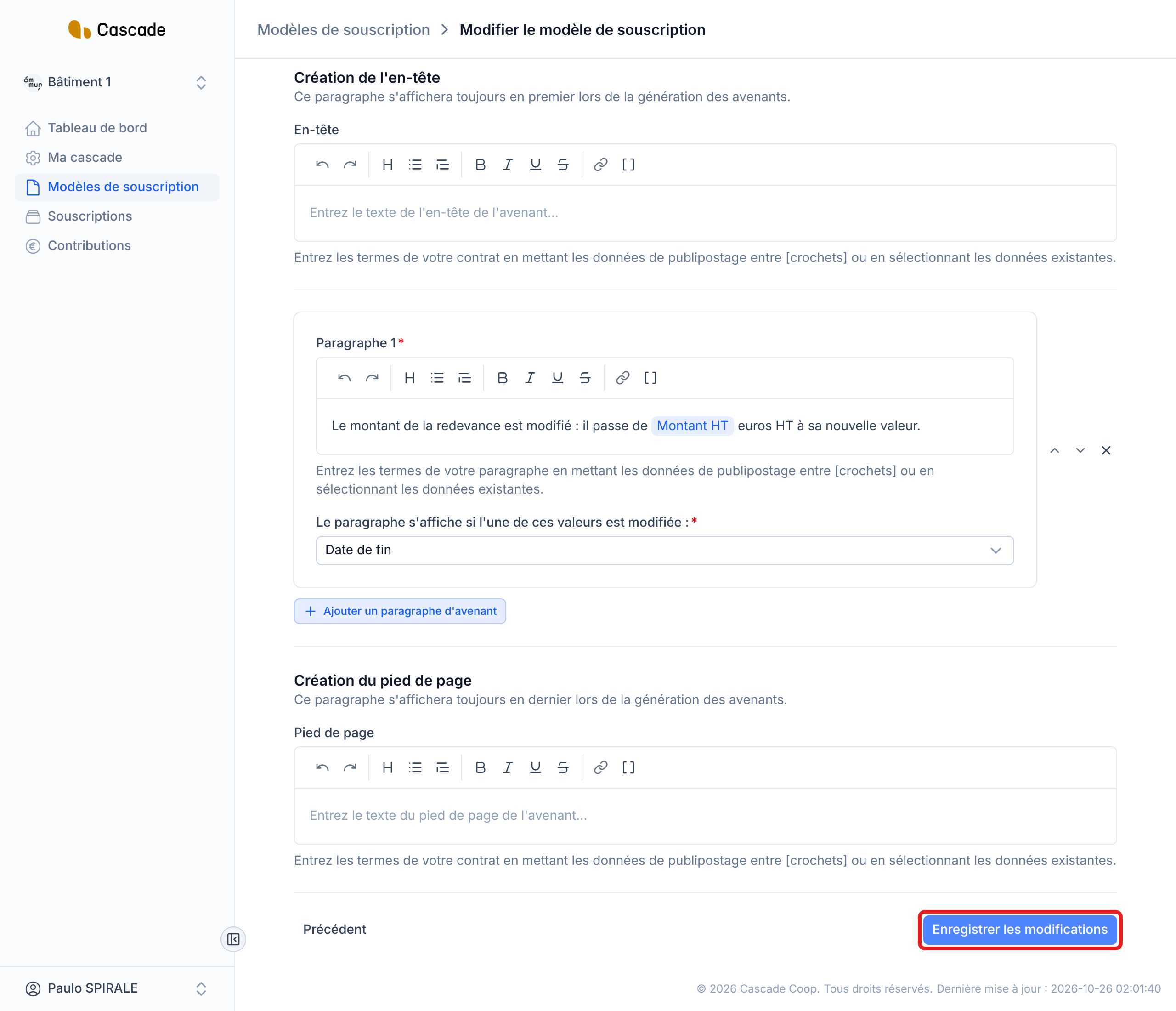
- Nothing is saved until you have clicked Enregistrer les modifications (Save changes) at the last step. You can go back with Précédent (Previous), or leave the page, without changing anything in the model.
- Subscriptions that already use the model are not rewritten (see "What happens next?"): read that section before changing a setting of a model that is already in use.
Steps
1. Open the model
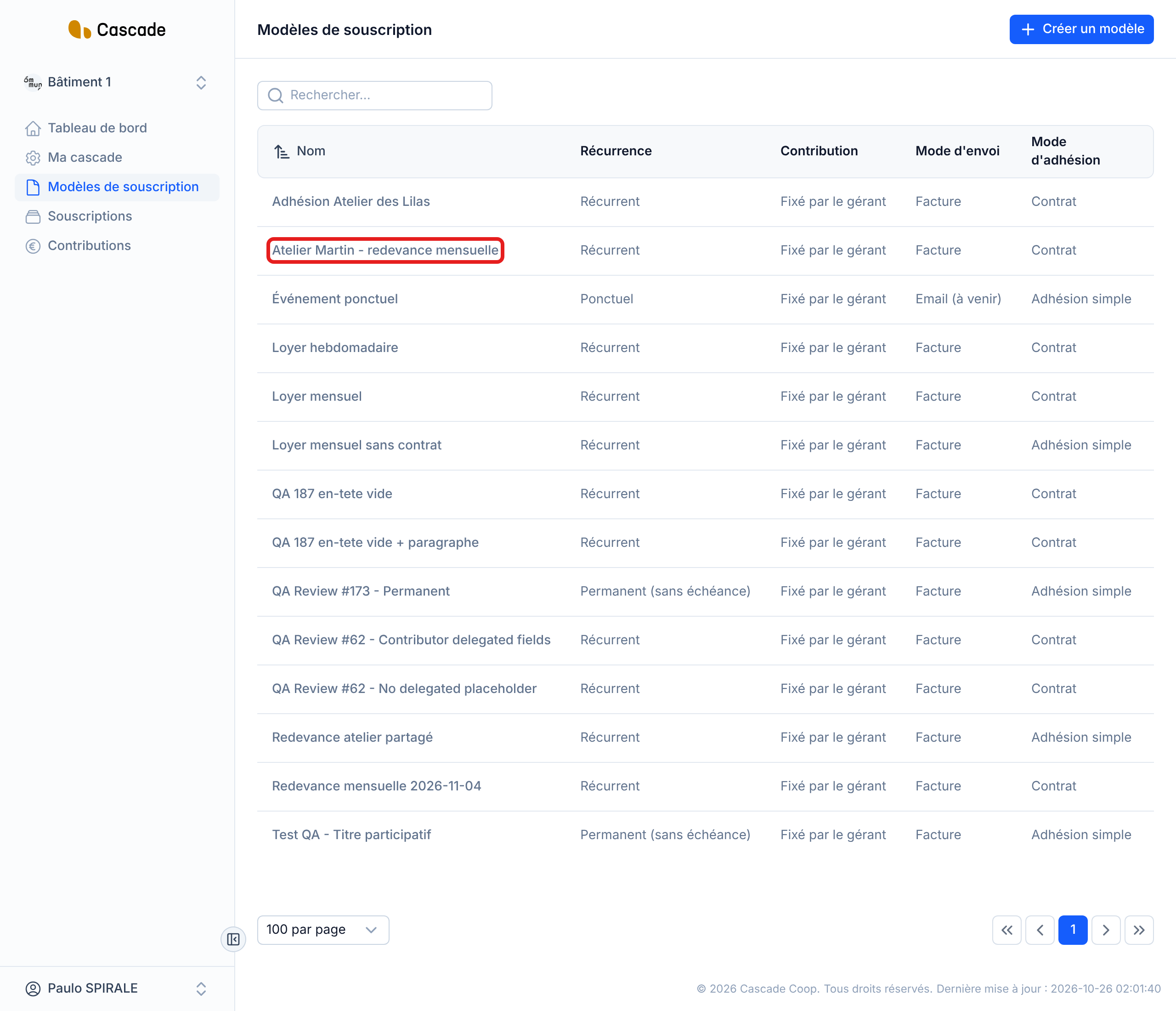
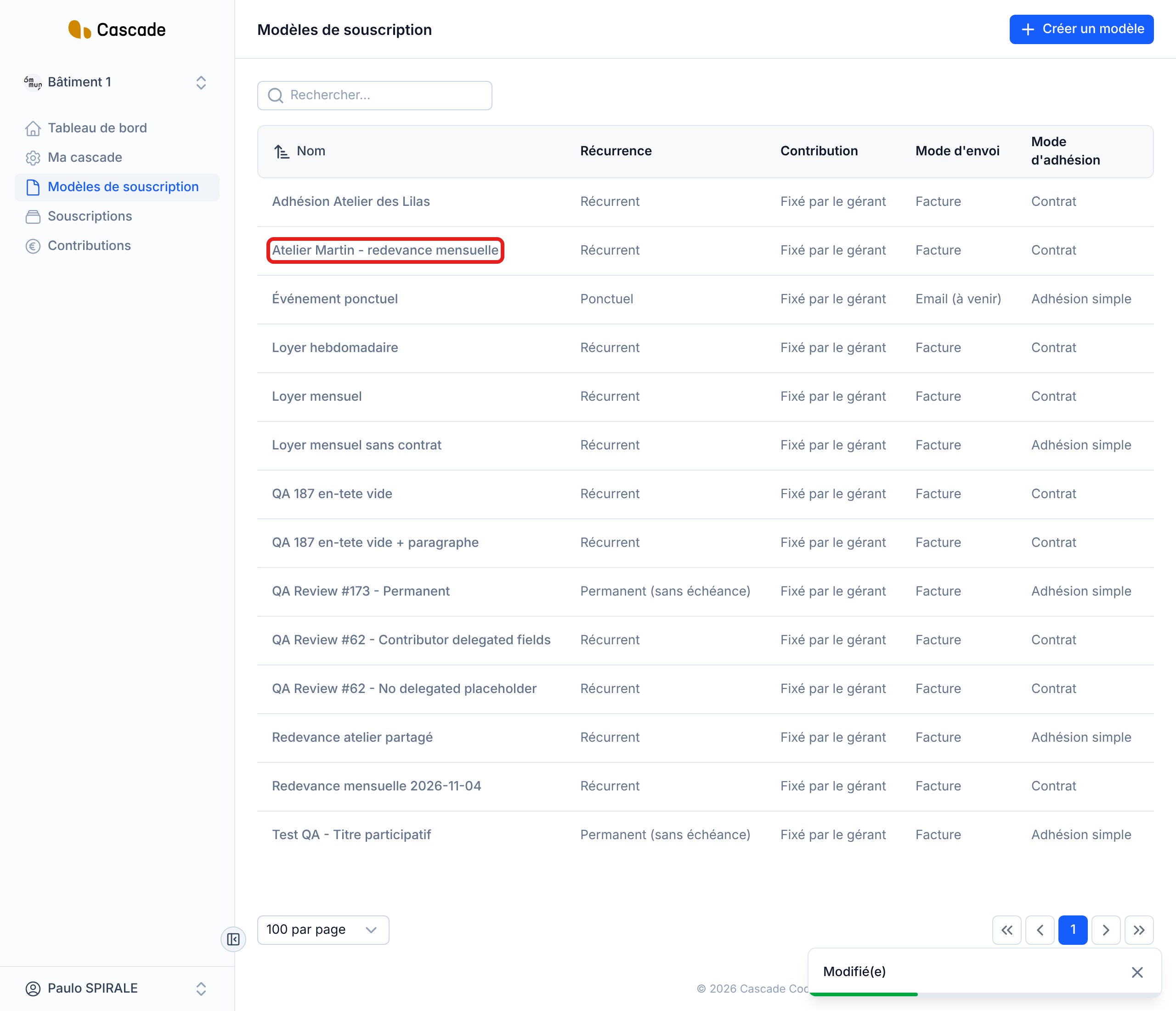
In the menu, go to Modèles de souscription (Subscription models), then click the model's name (the whole row is clickable). There is no "Modifier" (Edit) button: clicking the row opens the form directly. You can find a model with the Rechercher… (Search…) field.
2. Spot the steps of the form
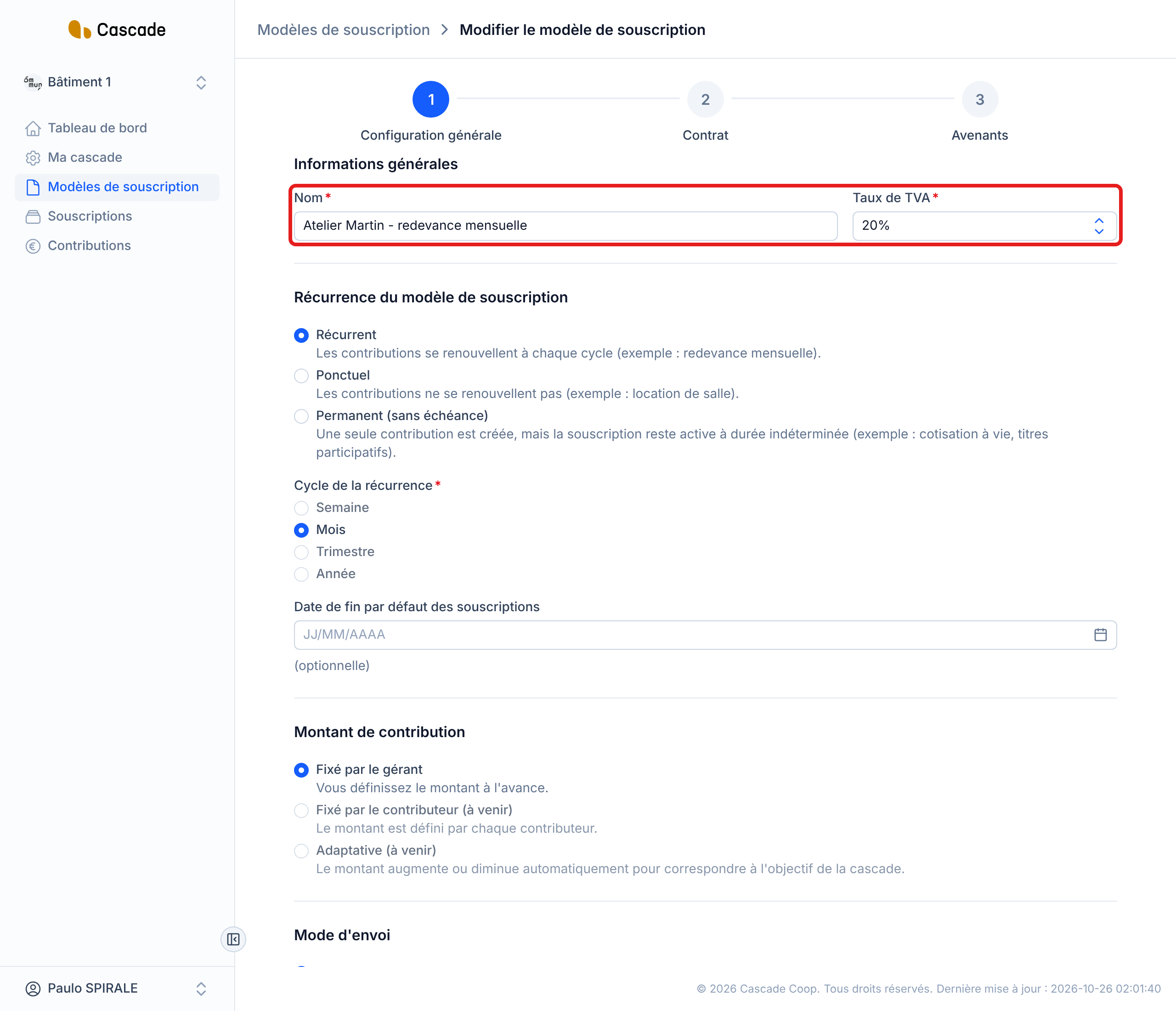
The form opens on Modifier le modèle de souscription (Edit the subscription model), at the Configuration générale (General configuration) step, with all the fields pre-filled. With the Adhésion simple (Simple membership) membership method, this step is the only one; with Contrat (Contract), there are two more steps, Contrat and Avenants (Amendments). Each field is described in Create a subscription model.
3. Change the general configuration settings
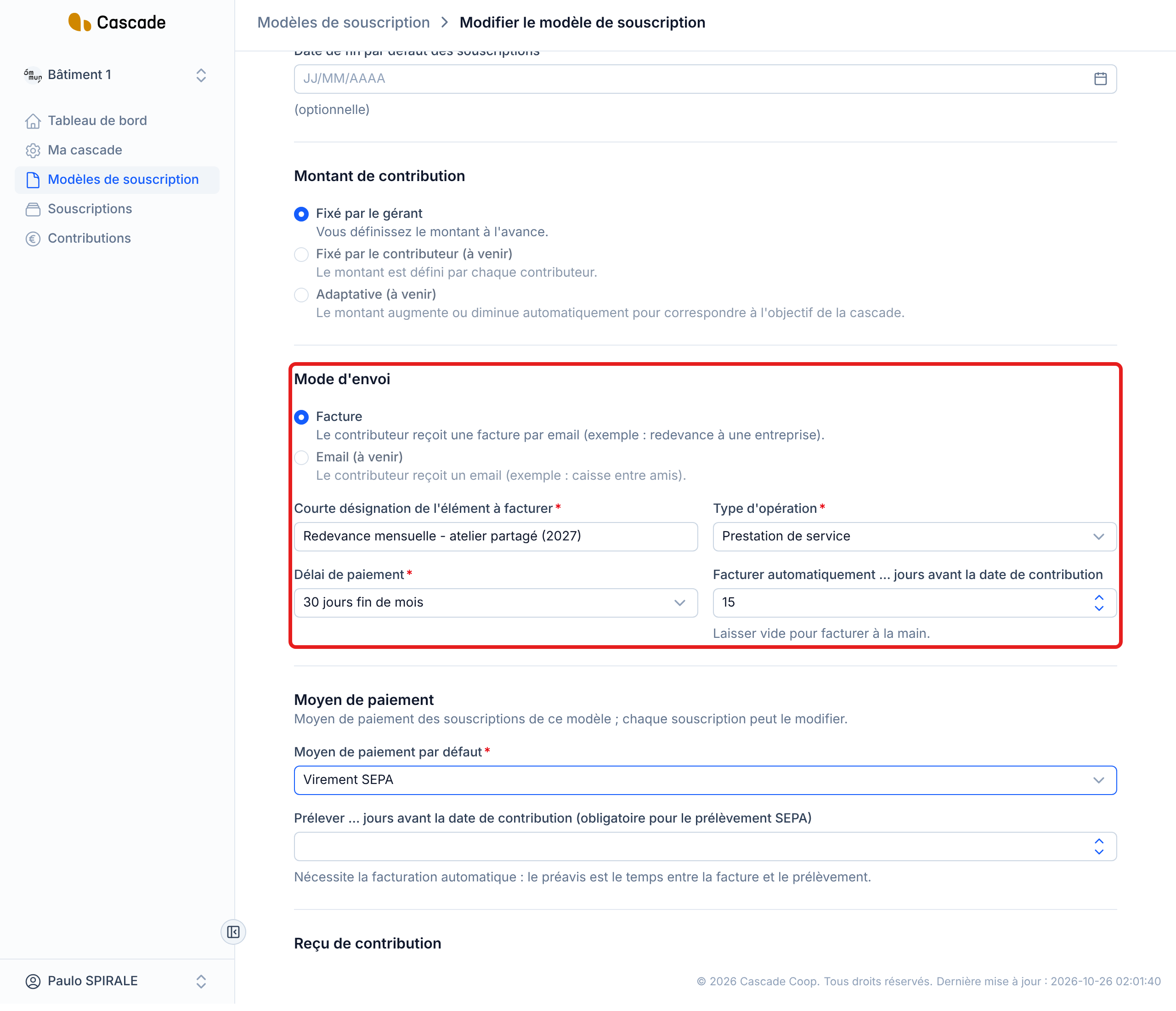
Edit what you need: name, VAT rate, recurrence, sending method, default payment method, receipt, membership method. A few points specific to editing:
- When you change a choice (for example the sending method), the fields that depend on it are reset and need to be filled in again.
- The default payment method and the default end date only apply to new subscriptions: existing subscriptions keep theirs.
- For automatic invoicing, see Set up automatic invoicing; for direct debit, see Choose the default payment method and the direct debit lead time.
- As long as a subscription of the model is paid by Prélèvement SEPA (SEPA direct debit), you cannot remove the direct debit lead time: the message « Des souscriptions de ce modèle sont en prélèvement SEPA : le délai de prélèvement est obligatoire. » (Subscriptions of this model are paid by SEPA direct debit: the direct debit lead time is mandatory.) prevents it. Since direct debit requires automatic invoicing, you cannot remove that either.
4. Adjust the contract and the amendments
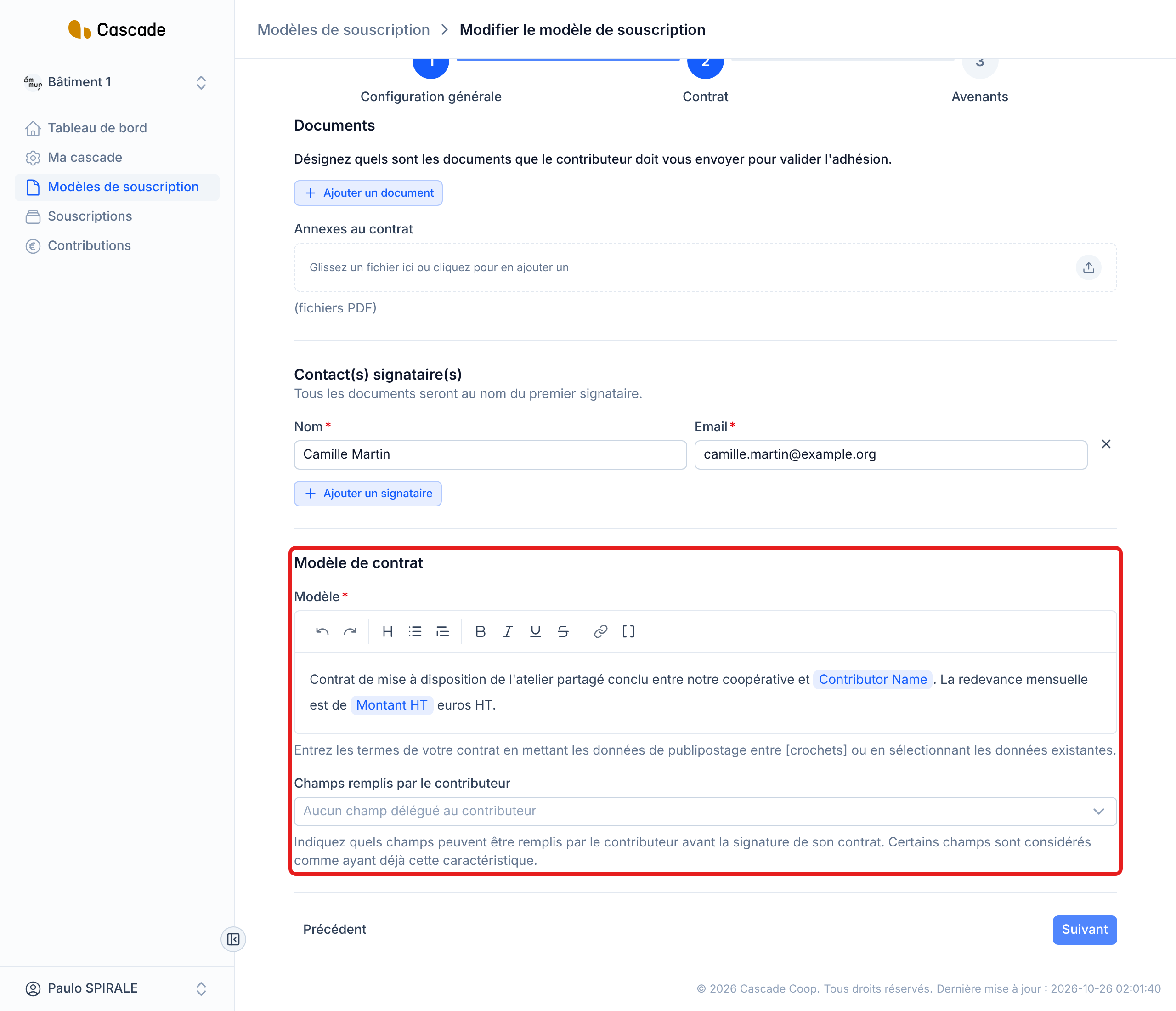
Only if the membership method is Contrat (Contract). Click Suivant (Next): the Contrat step shows the supporting documents required, the annexes already added (you can add more), the signers, the contract template text and the fields filled in by the contributor. The Avenants (Amendments) step shows the amendment template. The settings have their own guides: Define the supporting documents required, Write the contract template (variables in square brackets) and Set up the amendment template (conditional paragraphs).
If you switch the membership method from Contrat (Contract) to Adhésion simple (Simple membership), everything related to the contract is removed from the model when you save: required documents, annexes, signers, contract text, fields and amendment template.
5. Save the changes
Click Enregistrer les modifications (Save changes): with Adhésion simple (Simple membership), it is at the bottom of the Configuration générale (General configuration) step; with Contrat (Contract), at the bottom of the Avenants (Amendments) step. If a field is incomplete, a message tells you which one to fix. Once saved, you go back to the list of models and the message Modifié(e) (Edited) is displayed.
What happens next?
Saving does not change any existing subscription, contribution, invoice or payment, and nobody is notified by email. The model's settings are read at the moment they are used, so:
- Not touched: the payment method and the date of each contribution already created, the payments already planned (the direct debit date is set when the contribution is created, it does not move if you change the direct debit lead time), and the payment method of existing subscriptions.
- Invoices already issued: they keep the invoice description, the VAT rate, the operation type and the payment terms they had.
- Contributions not yet invoiced: they follow the new invoicing settings (VAT rate, invoice description, operation type, payment terms). If you change the number of days before the contribution date, automatic invoicing uses it from the next morning run; if the new invoicing day has already passed, the contribution is invoiced during that run. See What Cascade does every day and Invoice automatically. A contribution created by hand with its own description keeps that description.
- Contracts: the contract text is taken from the model when you send a contract for signature (see Send a contract for signature); the new text therefore only applies to contracts sent afterwards.
- Amendments: the edited amendment template is used for the next amendments. See Make an amendment.
- New subscriptions: they start from the new settings. See Create a subscription (invite a contributor).
Good to know
- There is no confirmation or warning before saving, and the model has no history: review your changes before clicking Enregistrer les modifications (Save changes).
- To change a setting of a single subscription (amount, payment method, end date), edit the subscription instead: see Edit a subscription.
- Models cannot be deleted or duplicated for now.
- You only see and edit the models of the current Cascade.
- For now, Mois (Month) is the only recurrence cycle offered for a new model; the others are greyed out.
Frequently asked questions
That is intended: the model's payment method is only a value suggested when a subscription is created. Edit each subscription concerned.
At least one subscription of the model is paid by SEPA direct debit: the lead time is needed to date its debits. First change the payment method of those subscriptions.
That is normal: a contract sent for signature keeps the text it had at the time it was sent. Only contracts sent afterwards take the new text.